

A modern electric vehicle is no longer a static piece of machinery. Built on the advanced e-Platform 3.0, the new BYD Yuan UP 2025 embodies the “smartphone on wheels” concept. The core engine behind this evolution is OTA (Over-the-Air) technology—a remote update system that allows the vehicle to improve its performance and features without a single visit to a service center.
This guide provides a technical breakdown of the update protocols, system logic, and troubleshooting algorithms for the Yuan UP.
Technical Regulations and OTA Prerequisites
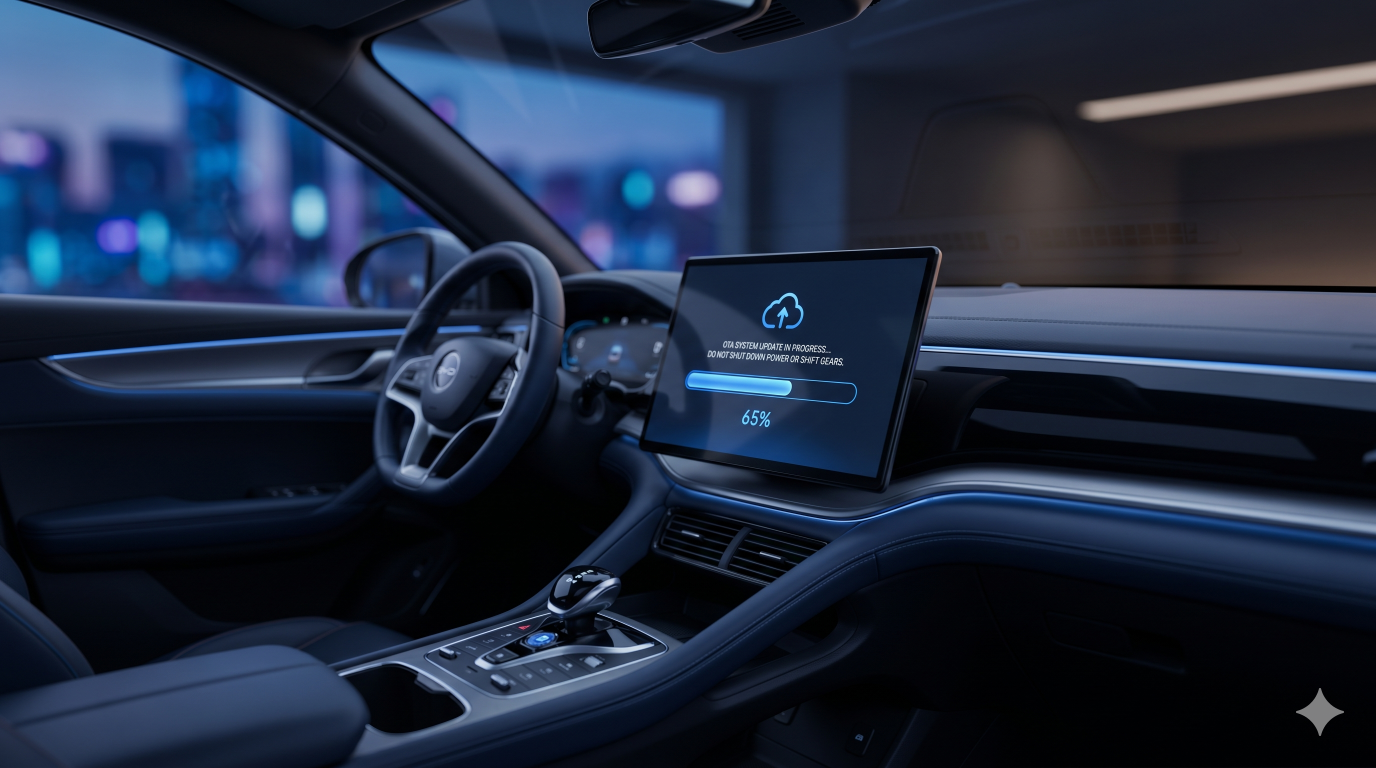
The update process modifies critical Electronic Control Units (ECUs). According to the official technical manual, the following conditions must be strictly met to ensure a successful data write [1]:
- Transmission Mode: The selector must be in “P” (Parking), and the electronic parking brake must be engaged.
- Power Status: It is strictly prohibited to perform an update while the vehicle is charging or discharging (using the V2L function) [1]. External current fluctuations can cause voltage spikes that are fatal to the modules being flashed.
- Battery Level: The traction battery charge must be at least 30% or higher.
- System Activity: During the update, most vehicle functions will be deactivated. According to the manual, only the exterior lighting and power windows remain functional [1]. All other systems (climate control, infotainment, ADAS) will enter a reboot cycle.
The “Version Skipping” Myth: Why It’s Normal
Many owners express concern when the system suggests jumping, for example, from version 1.0 directly to 1.5, bypassing intermediate steps.
In BYD’s software architecture, this is standard operating procedure. The DiLink and DiPilot software use a cumulative structure. The update package is generated by the cloud server specifically for your VIN, merging all currently available patches into one. If your car missed several updates, the system automatically creates a single “leap” to the latest version. This is not an error and does not require a step-by-step installation of every missed version.
Troubleshooting: What to Do if an Update Fails
Occasionally, a “desynchronization” occurs: the central infotainment tablet (Head Unit) reports a successful update, but the instrument cluster displays errors, or new DiPilot features fail to activate. This indicates that the multimedia component updated successfully, but the peripheral control modules did not.
Recovery Algorithm:
- The Official Path (Re-check): Navigate to “Settings” → “DiLink” → “Version Management” and initiate a manual check. Often, the system detects incomplete components and prompts a “resume” of the installation.
- Infotainment Hard Reset: If the system is unstable, perform a hard reset of the tablet. Press and hold the volume scroll wheel on the center console (or steering wheel) for 10–15 seconds until the BYD logo reappears.
- 12V Power Cycle (Last Resort): If software methods fail, a “cold boot” of the CAN bus may be required. Disconnect the negative terminal of the 12V service battery for 5–10 minutes. This forces a hard reboot of all controllers across the vehicle.
The Risks of Ignoring Update Errors
There is a dangerous misconception: “If the current version installed poorly, I’ll just wait for the next one to fix it.”
This is a technical fallacy. If an OTA package ends with a critical failure, the communication protocols between blocks may be compromised. This creates a risk of “bricking” the system during the next update attempt, as the new software may be incompatible with the partially updated modules. If ABS or EV System warning lights remain on after an update, you must restore the system via a Hard Reset or visit a dealer immediately.
Post-Update Maintenance: BMS Calibration
After a successful OTA update—especially one involving the Battery Management System (BMS)—it is highly recommended to perform a calibration.
Within the first 48 hours after the update, perform a full charge cycle to 100% using an AC (Level 2) charging station. This allows the BMS controller to accurately synchronize the new software algorithms with the physical voltage readings of each battery cell.
Summary
OTA updates for the BYD Yuan UP 2025 are a powerful tool that requires a responsible approach. By following simple rules—disabling charging during the process, monitoring battery levels, and addressing errors immediately—you ensure your vehicle remains modern, safe, and maintains its residual value.
[1] BYD Yuan UP Owner’s Manual (Official Technical Documentation)
Thank you for sharing this article. I appreciate how it highlights the importance of teamwork, discipline, and continuous development in achieving success. The practical insights and real-world perspective make the content engaging and relevant, while the clear presentation keeps it easy to follow. It’s an inspiring read that encourages readers to keep learning, improving, and working together toward shared goals. Thanks for publishing such a motivating piece!